انتقل من آيفون لأندرويد بدون ما تخسر ولا صورة (ولا محادثة)
Move from iPhone to Android without losing a single photo (or chat)
 الصورة: Google
أكثر سؤال يوصلني: "بدلت لأندرويد وضاعت محادثات الواتساب". الحل موجود من سنين، بس أحد يشرحه بدون ما يخوّفك.
الخطوة ١ — الكيبل قبل السحابة
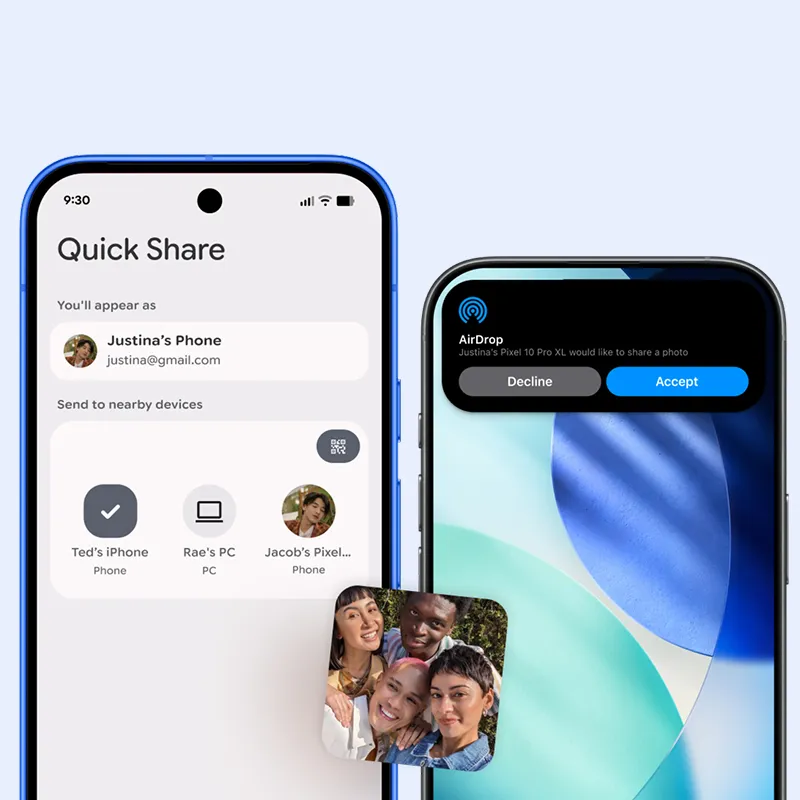
النقل بالكيبل أسرع وأضمن. استخدم كيبل USB-C ↔ USB-C (أو Lightning ↔ USB-C للأجهزة القديمة). أداة النقل بالجهاز الجديد بتطلب توصيله أول ما تشغله.
الخطوة ٢ — وقف iMessage قبل ما تطلع
الإعدادات ← الرسائل ← iMessage ← أطفيه. إذا نسيت هذي الخطوة، رسايل أصحابك اللي عندهم آيفون بتضيع بالفراغ أسبوع كامل.
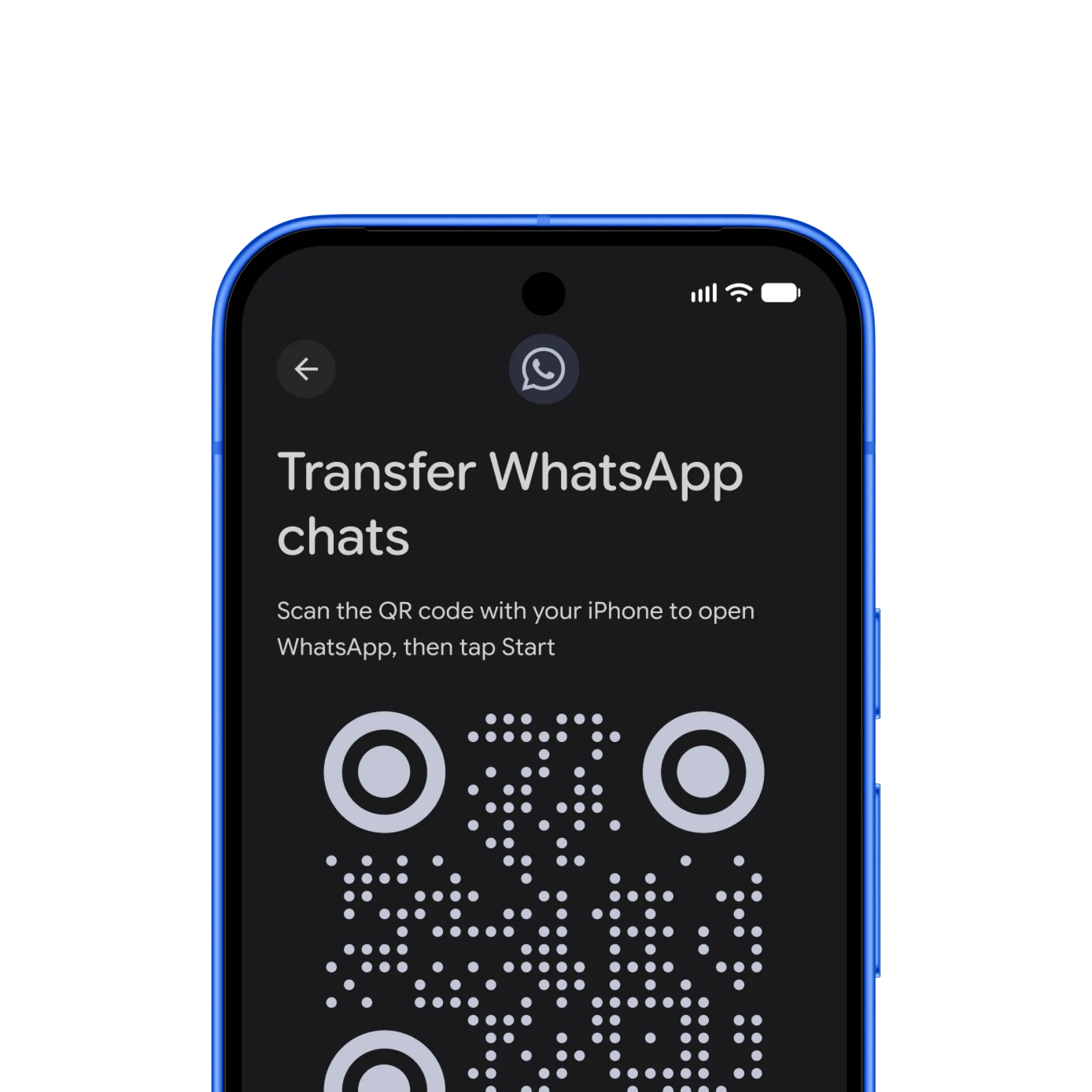
الخطوة ٣ — واتساب ينتقل بالكيبل نفسه
وقت أداة النقل تسألك عن واتساب، وافق. المحادثات والوسائط تنتقل كاملة. لا تفتح واتساب على الجهاز الجديد قبل ما تخلص الأداة.
الخطوة ٤ — كلمات المرور
صدّر كلمات المرور من iCloud Keychain كملف CSV، واستوردها في Google Password Manager أو مدير كلمات المرور اللي تستخدمه. بعدها احذف الملف.
الزمن الحقيقي
أطول خطوة نقل الصور. ٥٠ جيجا أخذت معي ٢٦ دقيقة بالكيبل، وكانت بتاخذ ساعتين بالواي فاي.
The question I get most: "I switched to Android and my WhatsApp chats are gone". The solution has existed for years, but someone needs to explain it without scaring you.
Step 1 — Cable before cloud
Transferring over a cable is faster and safer. Use a USB-C ↔ USB-C cable (or Lightning ↔ USB-C for older devices). The new phone's transfer tool will ask you to plug it in the moment you turn it on.
Step 2 — Turn off iMessage before you leave
Settings → Messages → iMessage → off. Skip this step and your iPhone-owning friends' messages will vanish into the void for a week.
Step 3 — WhatsApp moves over the same cable
When the transfer tool asks about WhatsApp, say yes. Chats and media move completely. Do not open WhatsApp on the new phone before the tool finishes.
Step 4 — Passwords
Export your passwords from iCloud Keychain as a CSV file and import them into Google Password Manager or whichever manager you use. Then delete the file.
The real time
The longest step is moving photos. 50 GB took me 26 minutes over the cable, and would have taken two hours over Wi-Fi.